
UPS Says Delivered, But Your Prep Center Never Received the Package. What Now?
Published on by Prep Center Tax Free
UPS or FedEx says delivered but your Amazon Prep Center has no package? Learn why carrier delivery and warehouse receiving differ, and verify shipments with Track Package.
UPS Says Delivered, But Your Prep Center Never Received the Package. What Now?
Your supplier says the shipment arrived. UPS, FedEx, USPS, DHL, or another carrier displays “Delivered.” But your Amazon FBA prep center cannot confirm that it received the box. What should you do?
This is a familiar challenge for sellers who ship inventory directly from retailers, distributors, and manufacturers to a warehouse. At PrepCenterTaxFree, we receive large volumes of packages and developed our own Track Package receiving verification tool to help customers distinguish carrier-reported delivery from physical warehouse receiving.
A carrier marking a shipment “Delivered” is not the same as the prep center confirming that it scanned and received that particular box.

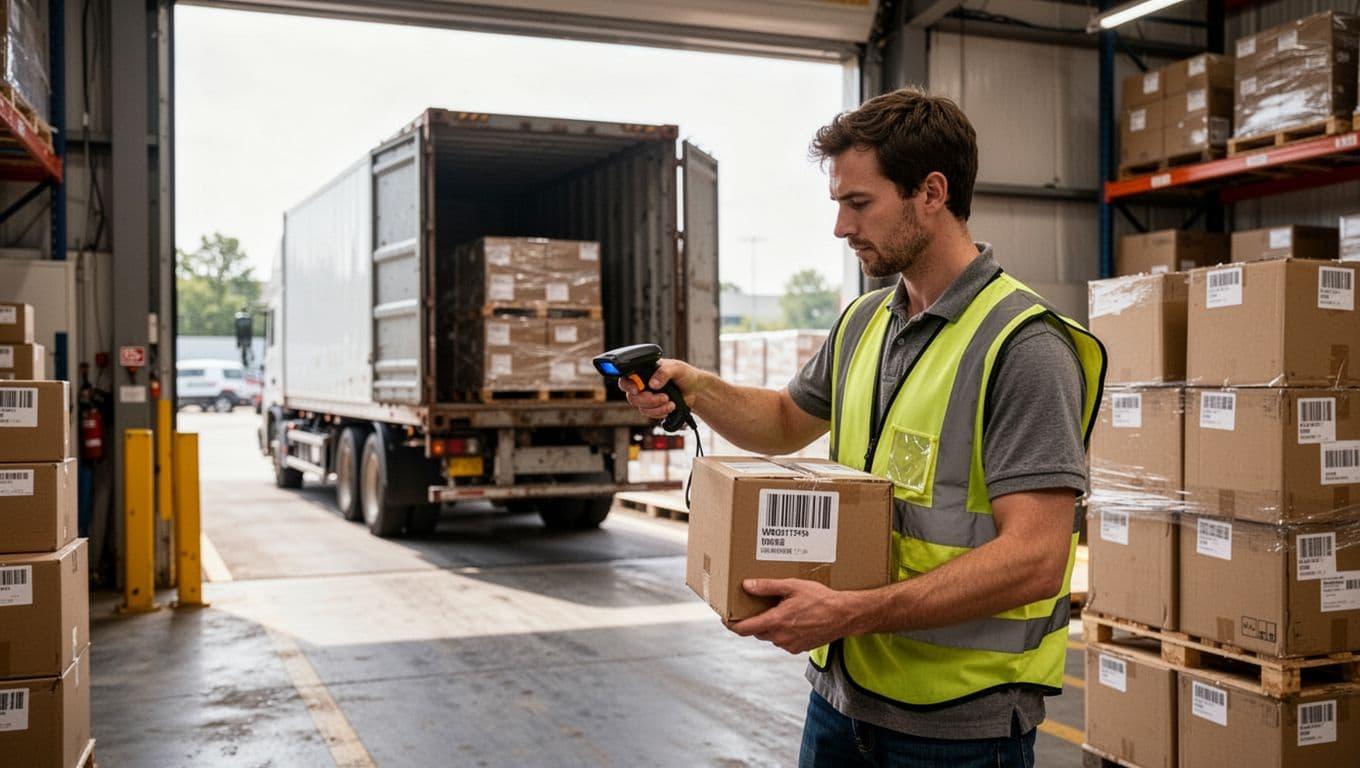
Warehouse receiving and tracking verification — illustrative image.
Why Can a Carrier Say “Delivered” When the Warehouse Has No Record?
Busy warehouses may receive hundreds of boxes during a single carrier visit. Drivers may unload large shipments quickly, and there is not necessarily a separate employee signature or individual package inspection at the moment each carton is unloaded.
Possible explanations for a discrepancy include:
- The carrier delivered to a neighboring business, incorrect suite, or wrong warehouse.
- The carrier recorded delivery before the package reached the intended receiving point.
- A package was received but its warehouse scanning record is not yet available.
- The seller is checking a different tracking number from the one on the actual carton.
- The package was delivered correctly, but the contents have not yet been processed into inventory.
A missing receiving record alone does not prove that a carrier misdelivered the package. It means receipt has not yet been confirmed through the warehouse's documented process.
Does a UPS or FedEx Signature Prove the Prep Center Received the Package?
Not necessarily.
At high-volume delivery locations, a driver's proof-of-delivery record may show the name of a warehouse employee without that person having personally signed for or verified the particular tracking number.
In our experience, recurring drivers may know the names of people who work at the facility. A recipient name shown on a carrier's website should therefore not be treated as proof that the named employee individually counted, scanned, or inspected a specific carton.
This does not establish misconduct by a driver or carrier. It simply highlights the difference between a carrier's delivery record and the warehouse's own package-receiving record.
How PrepCenterTaxFree's Track Package Tool Works
At PrepCenterTaxFree, a dedicated receiving employee scans incoming packages individually and uploads the tracking numbers to our receiving system.
Our Track Package tool allows customers to check whether a tracking number appears in our warehouse receiving records.
- Tracking number recorded as received: Our receiving system confirms that the package was physically received and registered.
- Tracking number not found: We cannot confirm receiving that package from our records at that time, even if the carrier reports “Delivered.” The discrepancy may require further checking.
The Track Package tool is our official receiving record for packages at the facility. It is designed to provide a more specific confirmation than a general carrier delivery status.
Check a Tracking Number — Track Package
Quick Comparison: What Each Status Actually Means
| Status | What it confirms | What it does not confirm | |---|---|---| | Carrier: Delivered | The carrier reports a delivery event | That our receiving team scanned the carton | | Warehouse: Received | The tracking number was recorded by our receiving team | That all products have been counted and added to inventory | | Inbound: Processed | The contents were opened, checked, and recorded in inventory | That the carrier's earlier delivery details were necessarily accurate |
Verify Your Tracking Number with Track Package
“Received” Is Not the Same as “Added to Inventory”
A package goes through different stages:
- Carrier delivery: The carrier reports a delivery event.
- Warehouse receiving: Our employee physically receives and scans the carton, registering its tracking number.
- Inbound processing: Our team opens the box, counts and checks the products, and records them in the customer's inventory.
A package may already appear in Track Package even if its products have not yet been added to inventory. For that reason, sellers should check the receiving record before assuming that a missing inventory entry means the box was not delivered.
If a carton is confirmed as received but the contents are still not in inventory after the normal processing period, contact our team with the tracking number and shipment details.
What to Do When UPS, FedEx, USPS, or DHL Says Delivered but the Prep Center Has No Package
Step 1: Confirm the Exact Tracking Number
Check the retailer or supplier's shipment confirmation. Orders can contain multiple cartons with separate tracking numbers. Verify the specific number you are investigating.
Step 2: Review the Carrier's Proof of Delivery
Look for the delivery date, time, destination, suite, photo, recipient name, and any other available delivery details. A delivery confirmation is useful evidence, but it is not the same as a verified receiving scan at the prep center.
Step 3: Search the PrepCenterTaxFree Track Package Tool
Visit Track Package and check whether our warehouse has recorded the tracking number.
Step 4: Distinguish Receiving From Inventory Processing
If the carton is recorded as received, check the status of the separate inbound processing step. Products do not necessarily appear in inventory at the exact moment a carton is scanned.
Step 5: Investigate a Missing Receiving Record
If the tracking number is not recorded, confirm the complete destination address and suite with the supplier, and contact the carrier or shipper to investigate a possible wrong-location delivery or other discrepancy. Ask for available proof-of-delivery details.
Step 6: Provide the Tracking Details to Our Team
If further assistance is needed, send the tracking number and relevant shipment details so our team can check the information available in our receiving process.
Do not assume that a named recipient on the carrier website proves that a specific employee personally accepted that box.
INSIDE OUR WAREHOUSE — RECEIVING TRANSPARENCY
Dedicated 4K Cameras: Documenting What Happens After a Package Arrives
We believe sellers deserve visibility into the handling of their inventory. That's why PrepCenterTaxFree has dedicated high-quality 4K cameras at each receiving workstation, rather than relying only on general security camera coverage.
When an employee scans a package, the camera zooms in to document the shipping label and tracking number. The recording captures the employee opening the carton, counting units, and inspecting the products.
When our team finds a discrepancy—such as an incorrect item, damaged product, or quantity mismatch—it can be documented through our Fix Issues process.
Receiving recordings are stored on our server for 60 days. Customers can request a link to relevant footage during that retention period.
For example, if a supplier claims that 100 units were packed but only 90 were counted, available receiving footage can help the seller review what happened when the carton was opened and discuss the discrepancy with the supplier.
Important: These cameras document receiving at our facility. They cannot show where a carton was delivered if it never reached our receiving workstation.
Why Accurate Receiving Records Matter for Amazon FBA Sellers
Many Amazon sellers operate remotely and never physically handle the inventory they purchase. They rely on suppliers, carriers, and prep centers to move products safely and accurately.
A reliable receiving record helps separate three questions:
- What did the carrier report?
- What did the warehouse physically receive and scan?
- What products were counted and entered into inventory?
Those distinctions matter when a supplier claims delivery, when an item is missing from inventory, or when the seller needs to investigate a shipping discrepancy.
At PrepCenterTaxFree, we aim to be your eyes inside our warehouse. Our receiving records, dedicated 4K cameras, product inspections, and Fix Issues process are part of that commitment.
Catch it here, before it costs you out there.
Trusted by Sellers: 5.0 Stars on Google
At the time this article was prepared, PrepCenterTaxFree had a 5.0-star Google rating based on 36 customer reviews, according to our Google Business Profile.
We value that trust and work to earn it through careful receiving, transparent documentation, communication, and attention to the products entrusted to us.
We don't just prep your products. We care about your business.
Frequently Asked Questions
UPS says delivered, but my prep center says it never received the package. Who is right?
The two records measure different events. UPS reports a carrier delivery event, while the prep center confirms its own physical receiving scan. Compare the tracking number, destination details, proof of delivery, and warehouse receiving record before drawing a conclusion.
Can a carrier show a warehouse employee's name even if that person did not sign for the box?
Yes, a delivery record may show a recipient name without proving that the named employee individually verified the specific carton. Ask for further delivery details if the records conflict.
Does a missing tracking number in Track Package prove the box was delivered to the wrong address?
No. It means PrepCenterTaxFree cannot confirm receiving it from the available record at that time. Additional investigation may be needed.
Why is my box received but the products are not in my inventory?
Package receiving and product inbound processing are separate stages. The box may have been scanned before its contents were opened, counted, inspected, and added to inventory.
Can I request a video of my package being opened?
Yes. Relevant receiving footage can be requested during the 60-day retention period, subject to the availability of the recording.
Can your cameras locate a package delivered to another warehouse?
No. Our dedicated cameras document packages processed at our receiving workstations, not deliveries made elsewhere.
Does Track Package work for UPS, FedEx, USPS, and other carriers?
The tool checks PrepCenterTaxFree's own recorded receiving tracking numbers. It is not a replacement for the carrier's tracking system and does not independently locate missing packages.
Your Success Is Our Success.
At PrepCenterTaxFree, Your Success Is Our Success. Our commitment goes beyond labeling and shipping inventory. We work to provide sellers with documented receiving, careful inspections, and greater visibility into the products they entrust to us.
When a carrier reports delivery but your warehouse receiving record tells a different story, accurate information is the starting point for resolving the problem.
Verify Your Package — Track Package
Explore Our Services & Pricing
Useful Resources
Delivery confirmation and proof-of-delivery procedures differ by carrier and service. PrepCenterTaxFree's receiving records document packages scanned into our facility and do not independently determine responsibility for an unconfirmed shipment.